How I Built an Expense Tracker That Automatically Detects Bank SMS
Published on July 25, 2026 • 8 min read
Most expense trackers fail for one simple reason: they depend on users remembering to enter every transaction manually.
I wanted to remove that friction. So I built an expense tracking app that detects bank transaction SMS messages on Android, extracts the amount and merchant, categorizes the transaction, and adds it to a personal ledger for review — without making the user type everything from scratch.
This is the story of how I built it, why the pipeline is deliberately review-first, and what I learned from working with messy real-world financial messages.
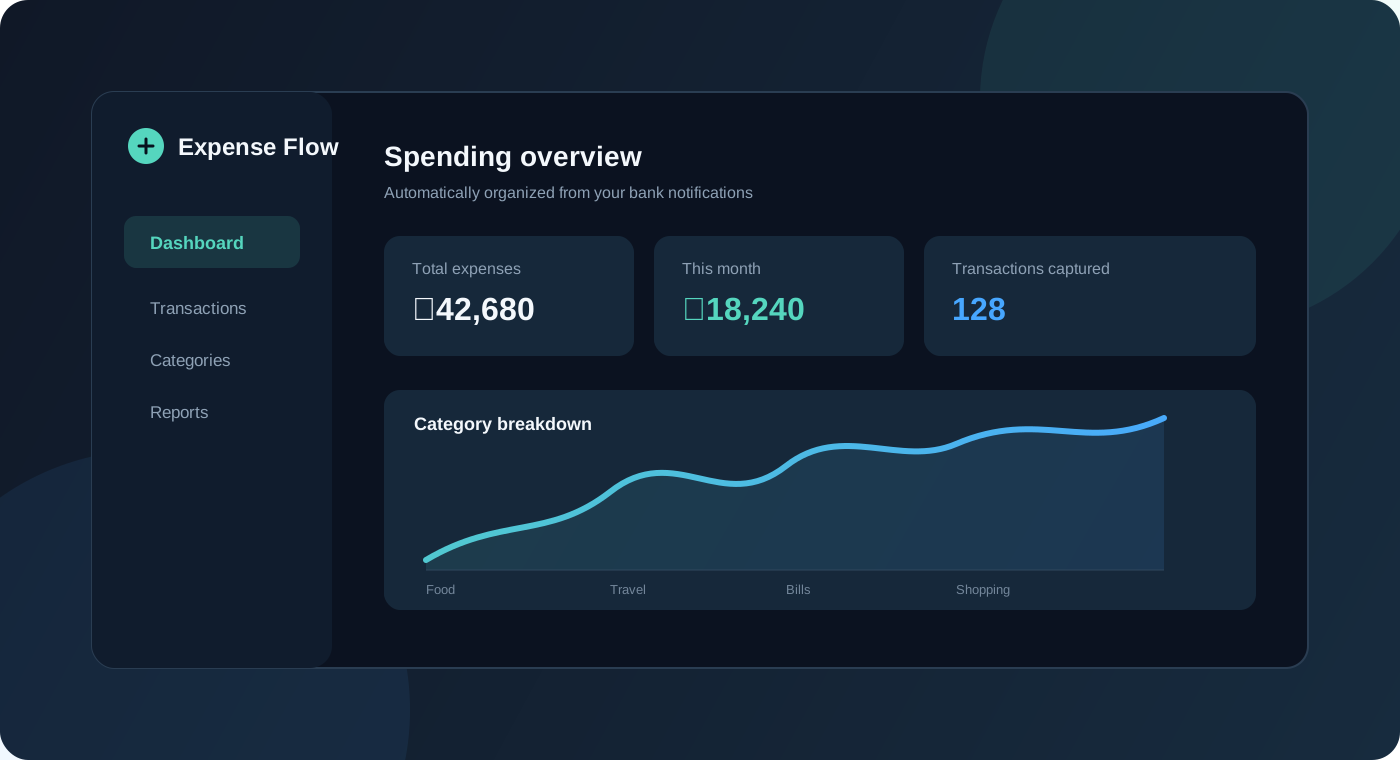
Illustrated expense tracking dashboard with transaction and category insights
The Problem
Manual tracking sounds easy until real life gets involved. A person pays for food, receives a salary, orders something online, pays a bill, or transfers money — and then has to remember to open an app and record it.
That creates predictable problems:
- Transactions are forgotten.
- Spending histories become incomplete.
- Budgets are based on missing data.
- Income and expenses are recorded inconsistently.
- The app becomes another task instead of reducing work.
The interesting problem was not drawing another expense dashboard. It was making the data appear there with as little friction as possible.
The Idea: Turn Bank Alerts Into Transactions
Instead of asking users to type every purchase, the app listens for incoming SMS events on Android and checks whether a message looks like a completed financial transaction.
The important detail is that it does not blindly save every SMS. The message goes through a pipeline that filters, parses, classifies, deduplicates, and finally asks the user to review the result.
Bank transaction SMS
        ↓
Android SMS receiver
        ↓
Rule-based parser
        ↓
AI fallback when the rules are uncertain
        ↓
Pending transaction + notification
        ↓
User confirms, edits, or ignores
        ↓
Local ledger → MongoDB sync → analytics
This architecture gave me a useful balance: automation handles the repetitive work, while the user still has the final say before a transaction enters the ledger.
Reading SMS Messages on Android
The SMS listener is implemented as a native Kotlin BroadcastReceiver. It listens for Android’s SMS_RECEIVED event, joins multipart messages into one body, and passes the sender, message text, and timestamp to the parser.
The app requests the Android permissions required for reading and receiving SMS, along with notification permission so that a detected transaction can be surfaced for review. SMS automation is intentionally Android-specific because it depends on Android’s native SMS APIs; manual entry and the rest of the finance experience do not depend on it.
The receiver is also careful about its work. A straightforward rule match can be processed immediately, while an uncertain message uses Android’s asynchronous receiver flow so the process has time to complete without blocking the broadcast.
Parsing Before Calling AI
I did not want every SMS to become an AI request. The first pass is a deterministic parser written in Kotlin.
It checks for:
- Sensitive messages such as OTPs, verification codes, and passwords
- Non-transaction messages such as failed payments, declined payments, and balance-only alerts
- Promotional messages and cashback offers that are not completed credits
- Debit signals such as
debited,spent,paid, andwithdrawn - Credit signals such as
credited,received,deposited,refund, andsalary - Amounts written with
₹,Rs, orINR
Once a message passes those checks, the parser extracts a merchant from common patterns such as spent at, paid to, purchase from, or a UPI-style reference. It also assigns a confidence score: a recognizable merchant gets a higher score than a transaction where only the amount and debit/credit signal are clear.
For example:
{
"amount": 520,
"currency": "INR",
"merchant": "Zomato",
"type": "debit",
"source": "sms",
"confidence": 0.86
}
The parser is intentionally conservative. An incorrect transaction in a financial dashboard is worse than asking the user to review one extra item.
The AI Fallback
Bank messages are not standardized. Different banks place the amount, merchant, account hint, and transaction status in different positions, so a rule-only parser eventually reaches a limit.
That is where the AI fallback helps. It only runs when:
- The rule parser did not find a complete transaction.
- The message contains something that looks like an amount.
- The message was not already identified as an OTP, promotion, failed payment, or other ignored message.
The fallback sends a structured classification request to an OpenRouter-hosted Qwen model. The model must return JSON with the transaction type, amount, currency, merchant, optional account hint, timestamp, confidence, and reason.
Privacy was part of the design rather than an afterthought. Before the request leaves the device, the app masks OTPs, UPI IDs, account numbers, phone numbers, and long numeric identifiers. The original message is still kept locally for the review flow, but the model receives a reduced version.
The result is also not treated as unquestionable truth. AI classifications below the confidence threshold are marked for review, and a classification that does not describe a real completed transaction is ignored.
Review Before Saving
The biggest product decision was not automatically inserting every parsed result into the ledger.
Each match first becomes a pending transaction. The app stores it locally and shows a notification so the user can:
- Confirm it
- Edit the amount, merchant, category, or type
- Ignore it
Only confirmation turns a debit into an expense or a credit into income. This makes the automation reversible and gives the user a chance to correct a bank-specific parsing edge case.
The pending store also protects against duplicates. It compares the sender, a normalized message preview, and the amount before creating another item. If a later message updates an existing transaction, the store can update the matching record instead of creating a second expense.
Categorizing Transactions
The current categorization layer is intentionally transparent. It uses merchant rules for common services:
- Zomato, Swiggy, and Domino’s → Food
- Amazon, Flipkart, and Myntra → Shopping
- Uber, Ola, and Rapido → Travel
- Jio, Airtel, and electricity payments → Bills
- Anything else → General
This is not as flexible as a full machine-learning classifier, but it is easy to test, easy to explain, and easy for a user to correct. The app already supports changing the category after a transaction is saved, which gives me a clear path for learning from future corrections.
Local-First Storage and MongoDB Sync
The mobile experience is local-first. Android-native transactions are stored on the device, and the React Native layer maintains an AsyncStorage cache. The UI can show the ledger immediately instead of waiting for a network request.
When the user is authenticated, local transactions are synced to a Next.js API backed by MongoDB. Each record contains the fields needed for both the ledger and later analysis:
{
"deviceExpenseId": "local-transaction-id",
"amount": 520,
"currency": "INR",
"merchant": "Zomato",
"category": "food",
"type": "expense",
"source": "sms",
"originalSmsPreview": "shortened bank message",
"timestamp": "2026-07-25T10:13:08.000Z",
"userId": "account-id"
}
The API uses the device transaction ID for idempotent upserts, paginates reads, and checks that an existing transaction belongs to the authenticated user before updating it. That keeps retries safe and prevents a local record from silently crossing account boundaries.
The Dashboard
The dashboard is built around the questions I actually want answered:
- How much came in this month?
- How much went out?
- What is left after expenses?
- Which categories are taking the most money?
- What happened on a particular day?
The home screen shows monthly income, expenses, balance, safe-to-spend context, and recent transactions. The analytics screen adds month and all-time scopes, a spending calendar, income-versus-expense cash flow, daily transaction details, and category trends.
There is also a separate bill-image flow. A receipt or bill can be sent to a vision model, which extracts an amount, merchant, category, confidence, and evidence. The prompt is designed to reject barcodes, phone numbers, product codes, and unrelated numbers instead of guessing from them.
The Hardest Parts
Every bank formats messages differently
A parser that works for one SMS format can fail on another. I handled this with multiple debit and credit signals, several amount patterns, merchant extraction fallbacks, and an AI path for messages the rules cannot confidently understand.
Promotional messages look like transactions
Offers often contain amounts and words like “cashback,” which makes them dangerous false positives. The parser explicitly rejects promotions unless the message also contains a completed credit signal.
Automation can create bad data quickly
That is why pending review comes before confirmation. The app is allowed to be fast, but it is not allowed to silently rewrite a user’s financial history.
Duplicate detection is harder than it looks
The same event can be seen during a live broadcast, a recent-SMS scan, or a retry. Sender, normalized preview, and amount checks make those paths converge on one transaction.
Permissions are part of the product
SMS access is sensitive. The feature needs a clear explanation, Android-only handling, and a useful app even when the user declines permission. Manual transactions, analytics, and syncing still work without SMS automation.
What I Would Improve Next
The current version gives me a reliable foundation, but there is plenty of room to grow:
- Move more classification on-device to reduce external processing.
- Replace hard-coded merchant rules with a user-correctable category model.
- Add recurring-payment detection and spending alerts.
- Support more bank and UPI message templates through fixture-based tests.
- Add predictive budgets based on category history.
- Improve receipt parsing with better evidence previews and correction feedback.
What I Learned
The most important lesson was that automation is not the same as removing control. The best version of this product does the repetitive work automatically, but keeps the final decision visible and reversible.
I also learned that real-world text is messy. A reliable parser needs explicit rejection rules, confidence scores, duplicate handling, and a fallback strategy. The dashboard was the visible part of the project, but the real engineering work happened before a transaction ever appeared on screen.
This project is available on GitHub. If you want to see how a manual expense entry becomes a reviewable, synced transaction, that branch is the complete implementation.